ringworm
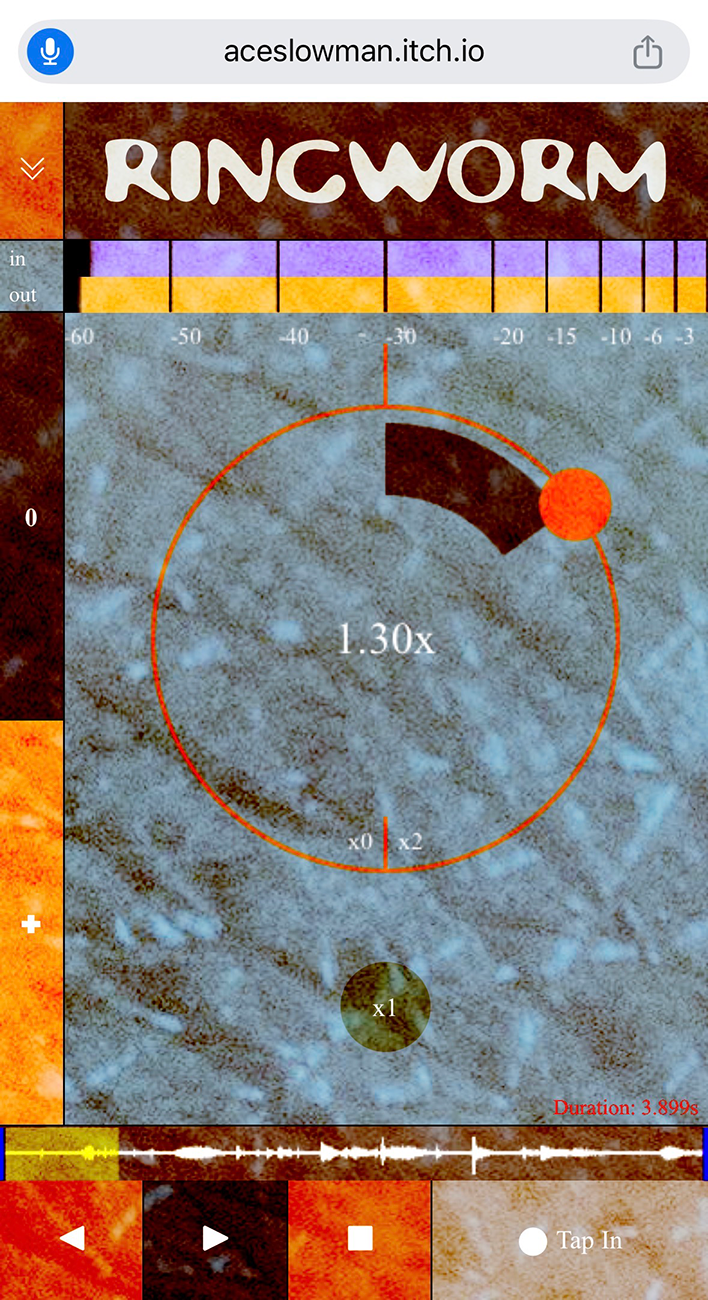
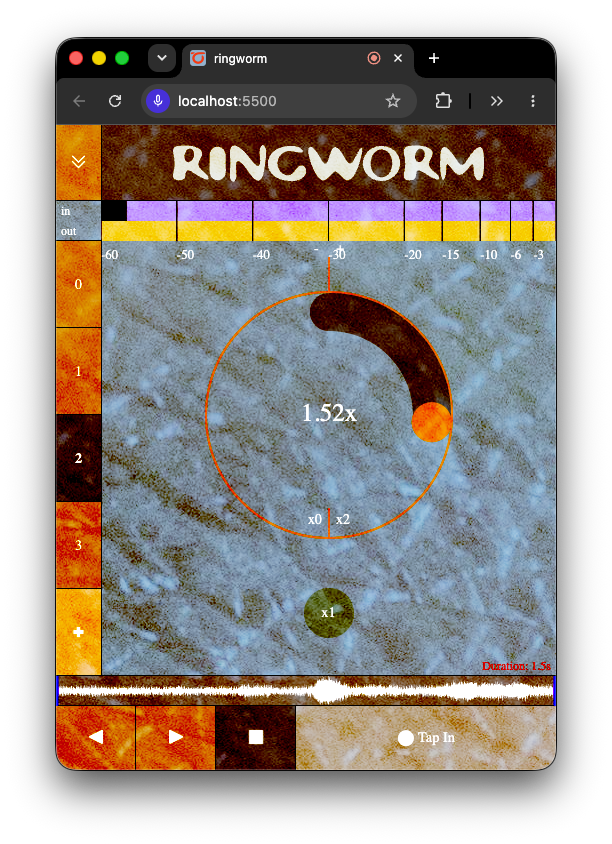
Ringworm is a variable rate looper with multiple buffers. To use, make sure you allow microphone access.
At the moment, this tool has mostly been tested on mobile devices, using Chrome.
How to Use
To record, press 'Tap In' in the lower right hand corner. Once you are done, tap that button again. The loop will automatically begin playing.
The input volume is visualized at the top, and your input will by default connect to the system default. You can change the audio input by opening up the settings panel, using the downward arrows in the top left of the interface.
Near the bottom of the interface is a buffer and loop visualizer. You can adjust the loop start point and end point by pressing and dragging the vertical lines on the loop visualization.
Ringworm can manage multiple buffers. On the left, click the '+' button to add another buffer. Your recording will be stored there and you can select other recordings on the fly.
If your recordings are quiet, there is a 'normalize' button in the drop down menu, as well as a slider to increase the input and output volume. This will increase the volume, with a small amount of headroom. Be careful, this will make things much louder!
The playback rate is adjusted using the circular dial in the middle of the interface. At the moment, it goes from 0x to 2x speed.
Getting Audio Out of Ringworm
It can be a little convoluted to record audio from webaudio tools. If you are using Ringworm on a desktop computer, you can use loopback tools like BlackHole for MacOS, or VB-Cable on Windows.
If you are using it on mobile, which is what this tool was originally designed for, you can use a USB-C to Headphone adapter, or if you can get it working, via USB audio to another computer.
About
This tool is still being updated! I am planning on adding MIDI, OSC, and ways to connect it with other software.
This tool was made by Austin Slominski (@aceslowman) in 2026. Let me know if you have any issues or suggestions! This is still a work in progress.
If you come across any bugs, please let me know by creating a thread on the itch.io community page.